
Last updated: October 1, 2026
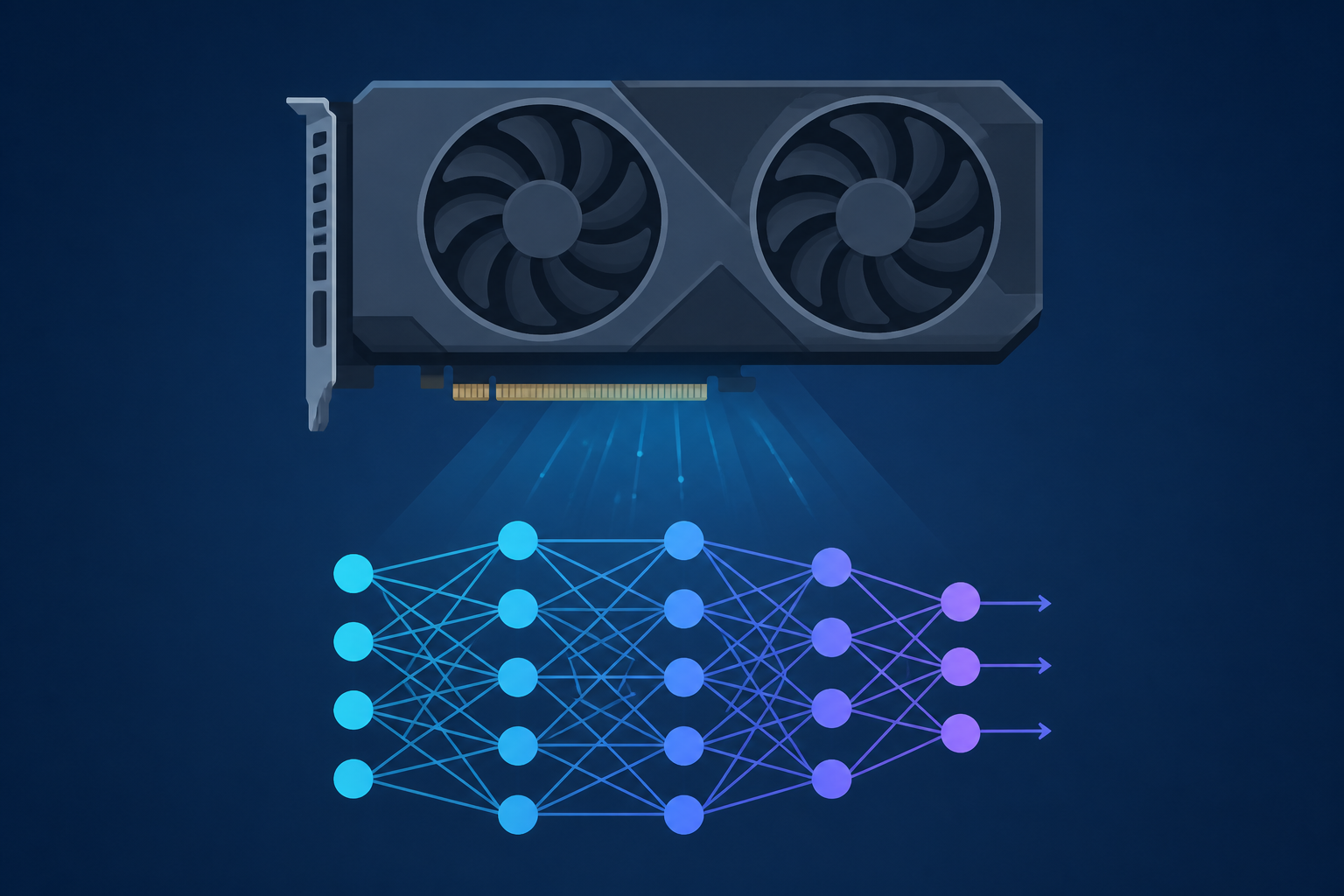
This article cuts straight to the chase: the Intel Arc B580 is a compelling $249 GPU with 12GB VRAM, offering strong local AI inference capability alongside solid 1440p gaming performance.
What is intel arc b580 for local ai?
The Intel Arc B580 is a Battlemage‑architecture desktop GPU with 12 GB GDDR6 memory, launched at an MSRP of $249 in December 2024, and optimized for both gaming and local AI workloads with its 160 XMX AI cores.
Why does its 12 GB VRAM matter for local AI?
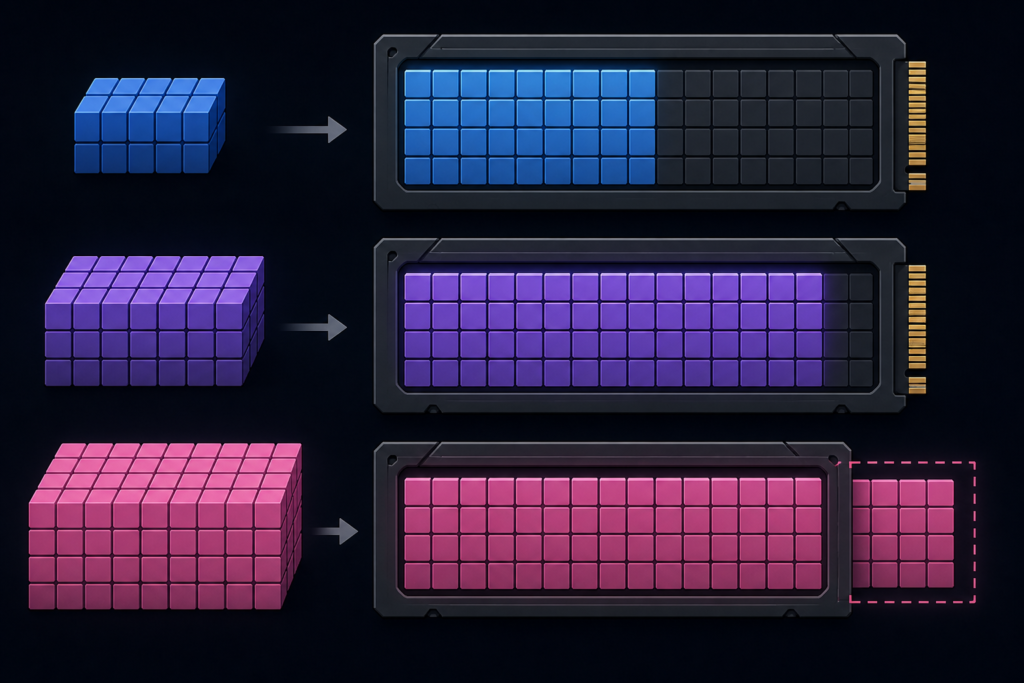
A 12 GB VRAM capacity allows inference of moderately sized models—up to approximately 30 billion parameters when using 4‑bit quantization. That makes it a credible option for 7B–13B LLMs like Llama 3 8B, Mistral 7B, and Qwen 7B running locally. However, model size still depends on memory footprint—so always test memory usage for your specific model.
What are its key specifications?
| Feature | Specification |
|---|---|
| Architecture | Battlemage (Xe2) on TSMC N5 |
| Launch & Price | Dec 13 2024 at $249 MSRP |
| VRAM | 12 GB GDDR6, 192-bit, 456 GB/s |
| Cores | 20 Xe‑cores, 160 XMX AI cores, 20 RT units |
| AI Peak INT8 (TOPS) | 233 INT8 TOPS |
| Board Power | 190 W TBP |
| PCIe Interface | PCIe 4.0 x8 |
Source: Intel ARK specs ([intel.com](https://www.intel.com/content/www/us/en/products/sku/241598/intel-arc-b580-graphics/specifications.html)), Intel announcement ([newsroom.intel.com](https://newsroom.intel.com/client-computing/intel-launches-arc-b-series-graphics-cards)), Tom’s Hardware spec sheet ([tomshardware.com](https://www.tomshardware.com/pc-components/gpus/intel-announces-the-arc-b580-and-arc-b570-gpus)).
How does it perform in local AI tasks?
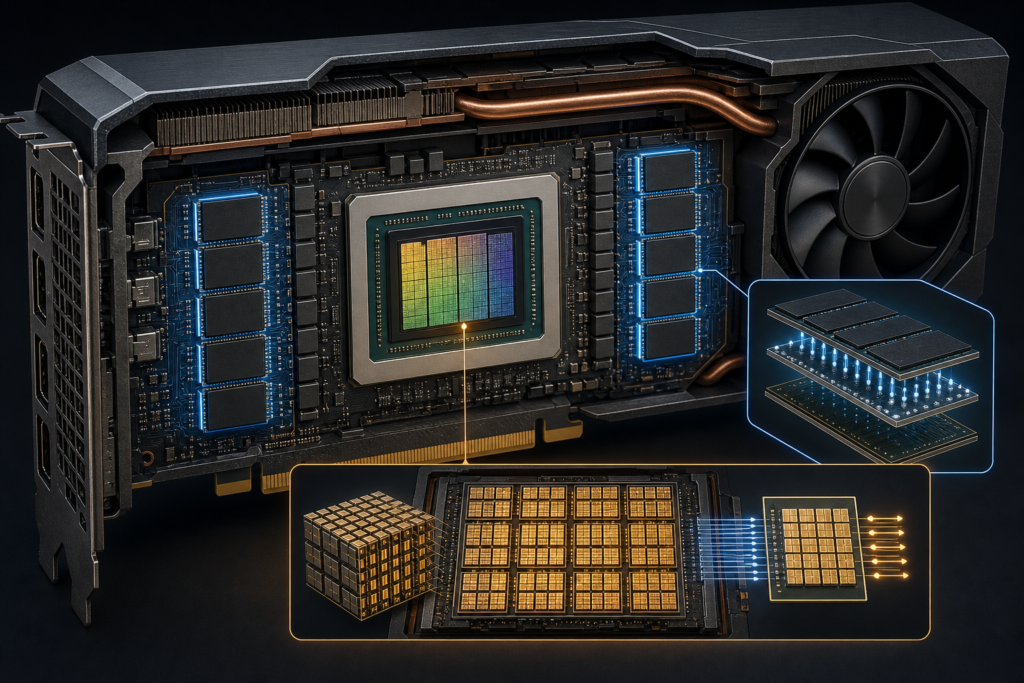
With 160 XMX AI cores, the B580 offers meaningful AI compute for LLM inference locally. The quoted ~30B‑parameter model capacity under 4‑bit quantization offers enough headroom for current local LLMs. Efficiency at ~190 W also ensures compatibility with typical PSUs. ([localai.computer](https://localai.computer/gpus/intel-arc-b580))
Is it a good deal in 2026?
At its launch MSRP of $249, the B580 offered exceptional value—Intel claimed ~132 % raster performance-per-dollar vs RTX 4060 and 125 % ray tracing value vs the same, in 40+ game benchmarks at 1440p Ultra. ([download.intel.com](https://download.intel.com/newsroom/2024/client-computing/Intel-Arc-B580-B570-Media-Deck.pdf))
Even now, many tests still list B580 as a top budget-friendly GPU delivering high 1440p gaming performance for the price. ([techradar.com](https://www.techradar.com/news/best-cheap-graphics-cards-2020-the-top-graphics-cards-on-a-budget))
However, current street prices fluctuate between $264 and $300+, depending on stock and partner models. ([tomshardware.com](https://www.tomshardware.com/pc-components/gpus/where-to-buy-the-intel-arc-b580))
How does it compare with similar GPUs?
| GPU | VRAM | MSRP | Bandwith | AI TOPS |
|---|---|---|---|---|
| Intel Arc B580 | 12 GB | $249 | 456 GB/s | 233 INT8 TOPS |
| NVIDIA RTX 4060 | 8 GB (typ.) | ~$299 | ~192 GB/s | Est. lower |
| AMD RX 7600 | 8 GB | ~$269 | ~288 GB/s | Not AI‑optimized |
Data sources: Intel media deck ([download.intel.com](https://download.intel.com/newsroom/2024/client-computing/Intel-Arc-B580-B570-Media-Deck.pdf)), Tom’s Hardware comparison ([tomshardware.com](https://www.tomshardware.com/pc-components/gpus/intel-announces-the-arc-b580-and-arc-b570-gpus)).
Can I use it for both gaming and AI?
Yes. The B580 streams a dual focus: great 1440p raster and ray‑traced gaming performance, especially when paired with XeSS 2 (and upcoming XeSS 3), while also delivering enough on‑card VRAM and AI cores for local inference. ([newsroom.intel.com](https://newsroom.intel.com/client-computing/intel-launches-arc-b-series-graphics-cards))
What should you watch out for?
- Driver maturity—Intel’s drivers have improved, but still occasionally exhibit quirks in less-common games or compute stacks. ([tomshardware.com](https://www.tomshardware.com/pc-components/gpus/intel-arc-b580-review-the-new-usd249-gpu-champion-has-arrived))
- Market price—street pricing over MSRP erodes value—try to keep below ~$300. ([tomshardware.com](https://www.tomshardware.com/pc-components/gpus/where-to-buy-the-intel-arc-b580))
- Future upgrades—Intel’s next‑gen Arc GPUs are uncertain, with some reports hinting the Battlemage successor launch is unclear. ([tomshardware.com](https://www.tomshardware.com/pc-components/gpus/intel-has-reportedly-killed-discrete-gaming-gpus-for-the-upcoming-xe3p-arc-celestial-family-gaming-gpu-remains-uncertain-even-for-the-next-gen-xe4-druid-lineup-that-lands-in-2027))
- AI model memory—larger models (e.g. 13B+ in float16) may exceed VRAM—use quantization to 4‑bit or test carefully.
How to set up local AI on B580
- Install latest Intel Arc GPU driver (as of 07/2026 version 32.0.101.8861 for Windows or Ubuntu package). ([intel.com](https://www.intel.com/content/www/us/en/support/products/241598/graphics/intel-arc-dedicated-graphics-family/intel-arc-b-series-graphics/intel-arc-b580-graphics.html))
- Install Intel PyTorch Extension (IPEX) for GPU acceleration. ([intel.com](https://www.intel.com/content/www/us/en/support/products/241598/graphics/intel-arc-dedicated-graphics-family/intel-arc-b-series-graphics/intel-arc-b580-graphics.html))
- Choose a 4‑bit quantized model (e.g. Llama 3 8B), estimated to fit in 12 GB. Test VRAM usage in your environment.
- Leverage XMX cores through framework support (PyTorch or OpenVINO where compatible).
- Monitor usage—with tools like `nvidia-smi` equivalent or Intel’s GPU metrics + PresentMon.
Frequently Asked Questions
Q1: Can the Intel Arc B580 run 13B LLMs?
A: Possibly—if quantized to 4‑bit and memory-efficient. But real usage depends on memory headroom. Always profile your model’s VRAM needs before assuming it fits.
Q2: Does XeSS 3 improve local AI performance?
A: No—XeSS 3 is an upscaling feature for gaming graphics. Local AI inference relies on XMX cores and drivers/frameworks like IPEX or OpenVINO.
Q3: Is $249 still realistic in 2026?
A: Unlikely in the current market; newer listings often range $264–$300+. Watch retailer pricing and be cautious—it’s still a compelling value if under ~$300.
Q4: What power supply do I need?
A: Recommended PSU is ≥600 W with one 8‑pin PCIe connector; typical builds with a decent CPU and GPU are covered at that rating.
Q5: Are future Arc GPUs expected soon?
A: Intel’s roadmap for Battlemage‑successor GPUs is unclear—some reports signal uncertainty around next‑gen launches through 2027.
Related articles
- XeSS 3 Upcaling Explained
- Maximizing AI Inference on Budget GPUs
- Choosing the Right GPU for 1440p Gaming
About the Author
cloudgpuhub.com – Nhon Dang is a cloud infrastructure and operations professional with over 10 years of hands‑on experience in cloud services, infrastructure, and business operations. His expertise spans the design, deployment, and operation of cloud platforms and managed services, including virtual machines (VMs), Kubernetes (K8s), object storage (S3), managed databases, Apache Kafka, and cloud GPU infrastructure. Throughout his career, Nhon has worked closely with cloud infrastructure and service operations, gaining practical experience in building reliable, scalable, and cost‑efficient cloud environments. His work combines technical expertise with business and operational insight, giving him a practical perspective on how cloud technologies perform in real‑world production environments. Nhon writes about cloud infrastructure, Kubernetes, DevOps, distributed systems, cloud computing, infrastructure operations, and cloud service management, sharing insights based on hands‑on experience rather than purely theoretical knowledge. His goal is to provide practical, technically accurate, and experience‑driven guidance that helps engineers, technical teams, and businesses make better decisions when adopting and operating cloud technologies.