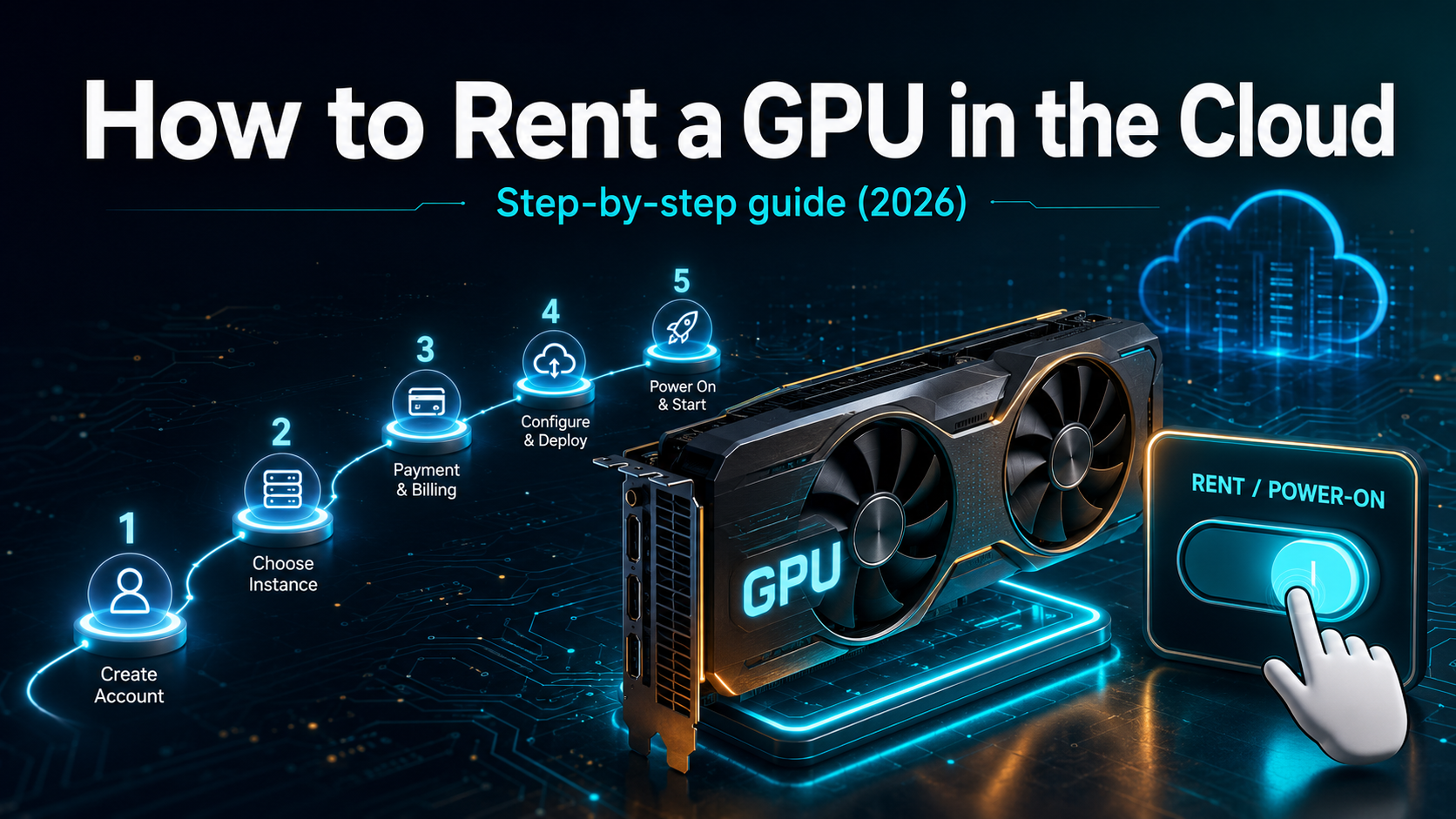

To rent a cloud GPU: (1) pick a provider like RunPod or Vast.ai, (2) choose a GPU that fits your model’s VRAM needs, (3) launch an instance on-demand or spot, (4) connect via SSH, a Jupyter notebook, or a container template, and (5) stop the instance when you’re done to avoid charges. Most providers bill per second or per hour, so you can be running code in minutes and pay only for the time you use.
This guide walks through each step, then covers the mistakes that cost beginners money.
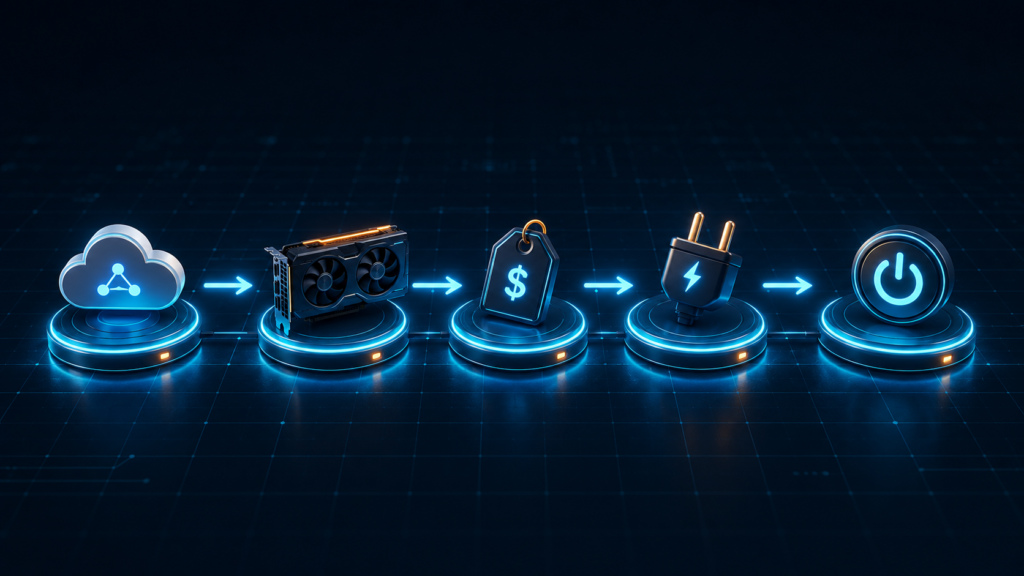
Step 1 — Choose a provider
Start by picking a provider that matches your priorities on price, reliability, and ease of use. There are three tiers:
- Marketplaces (Vast.ai, Spheron) — cheapest, pooling spare capacity from many hosts. Best when cost is the priority and you can tolerate variable reliability.
- Specialized AI clouds (RunPod, Lambda Labs, CoreWeave) — the sweet spot for most people: good prices, solid reliability, and pre-built AI templates.
- Hyperscalers (AWS, GCP, Azure) — most expensive, but offer enterprise compliance and deep integration.
For a first-time rental, a specialized AI cloud is usually the easiest path. Compare your options on our best cloud GPU providers page.
Step 2 — Pick the right GPU
Choose the smallest GPU that fits your workload — paying for more than you need is the most common waste. The deciding factor is VRAM: your model must fit in the GPU’s memory.
A quick orientation:
- RTX 4090 (24GB) — 7B models, small-scale inference, experimentation.
- A100 / H100 (80GB) — up to ~34B at full precision, 70B quantized, most training.
- H200 (141GB) / B200 (192GB) — large models and memory-bound serving.
To match a specific model to the right card, use our VRAM guide — it gives the exact memory each model size needs. Don’t default to an H100 if a quantized A100 does the job for a third of the price.
Step 3 — Select billing: on-demand vs spot
Pick a billing model based on whether your job can tolerate interruption.
- On-demand — full price, runs until you stop it. Use it for development, short jobs, and anything latency-sensitive.
- Spot / interruptible — 50–80% cheaper, but the provider can reclaim the instance at any time. Use it for training and batch jobs that checkpoint regularly, so an interruption costs minutes, not the whole run.
For most training, spot plus frequent checkpointing is the cost-smart default. We cover the trade-offs in the spot vs on-demand guide.
Step 4 — Launch and connect
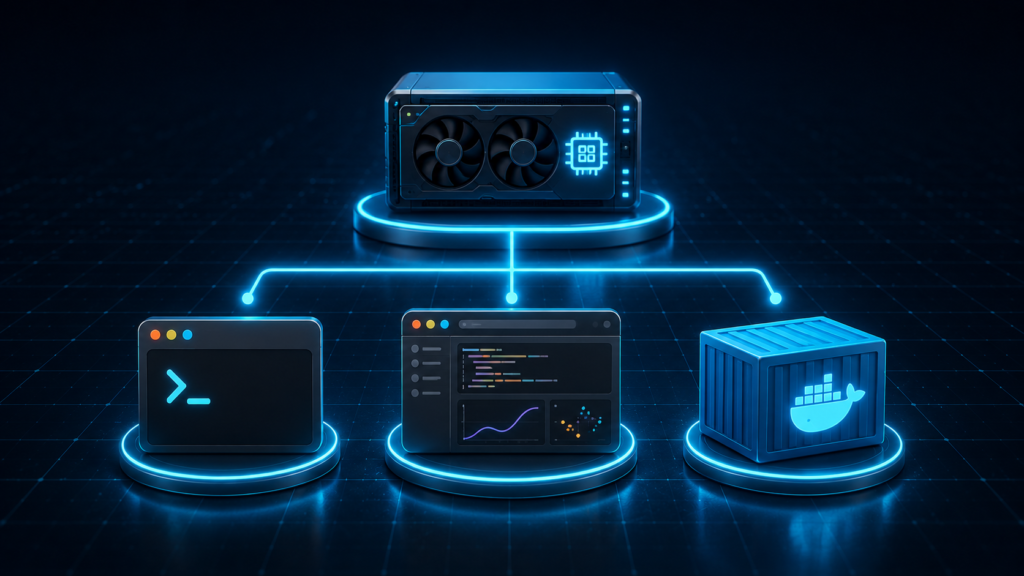
Launch the instance, then connect in whichever way suits your workflow. Most providers offer pre-built templates with drivers, CUDA, and PyTorch already installed — pick one and you skip hours of setup.
Once the instance is running, you have three common ways in:
SSH
Connect from your terminal like any remote server. Best for full control and running scripts. The provider gives you an SSH command and you paste in your key.
Jupyter notebook
Open a browser-based notebook directly from the provider’s dashboard. Best for interactive experimentation and data work — no terminal required.
Container / template
Deploy a ready-made container (Docker, vLLM, text-generation-inference, etc.) for reproducible, one-click setups. Best for serving models or repeating a known environment.
A practical tip: start with the provider’s official AI template rather than a bare instance. It saves the most common source of wasted time — installing drivers and dependencies by hand.
Step 5 — Avoid surprise costs
Stop or terminate the instance the moment you’re done — this is the single most important habit. A forgotten running instance bills around the clock.
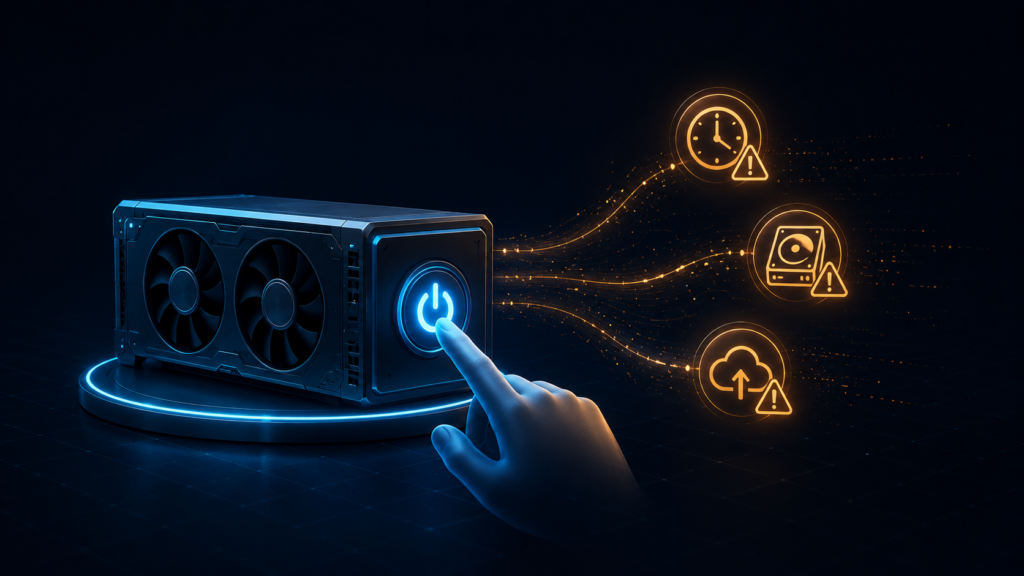
Also watch for:
- Idle timeouts — set them so instances auto-stop when unused.
- Storage — you’re often charged for persistent volumes even while the instance is stopped; delete old checkpoints and datasets.
- Egress fees — moving data out of the cloud can cost money, especially on hyperscalers. Keep data in-region.
- Stop vs terminate — “stop” may keep paid storage alive; “terminate” frees everything. Know the difference for your provider.
For a full cost breakdown and how to minimize it, see how much it costs to rent a GPU.
Common mistakes to avoid
Three errors account for most beginner overspending:
- Overprovisioning — renting an H100 when a quantized A100 or RTX 4090 would do. Right-size to the model’s VRAM.
- Using spot without checkpointing — an interruption then wipes hours of progress. Always checkpoint on spot.
- Forgetting to stop the instance — the classic surprise bill. Set idle timeouts and tear down when done.
Avoid these three and your first rental will go smoothly and cheaply.
The bottom line
Renting a cloud GPU is a five-step routine: choose a provider, pick a GPU that fits your VRAM needs, select on-demand or spot, launch from a template and connect, then stop when finished. The biggest savings come from right-sizing the GPU and using spot with checkpoints — and the biggest risk is simply forgetting to turn the instance off. Get those right and you’ll have data-center compute running in minutes for a few dollars.
FAQs
Do I need a credit card to rent a GPU?
Usually yes — most providers require a payment method to start, and many ask for a small prepaid balance or deposit. Some marketplaces let you load credit upfront rather than billing a card per use.
How do I connect to a cloud GPU?
Three common ways: SSH from your terminal, a browser-based Jupyter notebook from the provider’s dashboard, or a pre-built container/template. Beginners often find the notebook or template options easiest since they need little command-line setup.
What happens if my spot instance is interrupted?
The provider reclaims the GPU, usually with brief warning, and your instance stops. Any unsaved work is lost — which is why you checkpoint frequently. On restart, you resume from the last checkpoint. This is why spot suits fault-tolerant jobs, not latency-sensitive ones.
How do I avoid being overcharged?
Stop or terminate instances when done, set idle timeouts, delete unused storage, keep data in-region to avoid egress fees, and right-size your GPU. Forgotten running instances are the most common cause of surprise bills.