
A cloud GPU is a graphics processing unit you rent remotely over the internet instead of buying physical hardware. You pay by the hour — or even by the second — to run AI training, inference, rendering, or HPC workloads on powerful data-center GPUs like the NVIDIA H100, without the upfront cost of owning one. In short, it turns a $30,000 piece of hardware into a utility you switch on only when you need it.
This guide explains what a cloud GPU actually is, how it works under the hood, and when renting beats buying.
What is a cloud GPU?
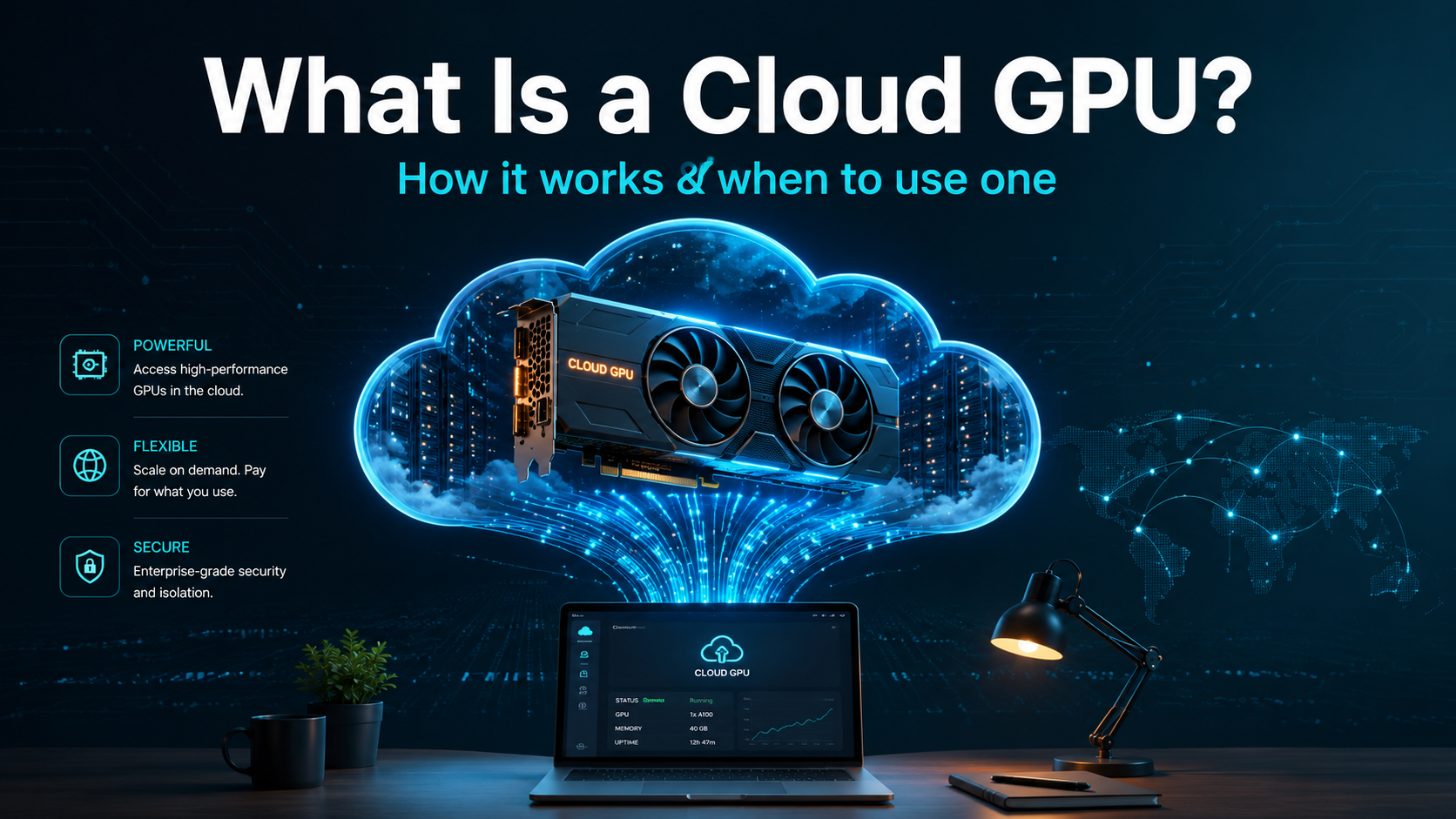
A cloud GPU is a GPU hosted in a remote data center that you access over the internet on demand. Instead of installing a graphics card in your own machine, you spin up a virtual instance attached to one (or many) GPUs, do your work, and shut it down — paying only for the time you used.
A simple analogy: owning a GPU is like buying a car, while a cloud GPU is like a ride-share. If you drive constantly, owning may pay off. But if your needs are occasional, spiky, or you want the newest model without a big purchase, renting is cheaper and far more flexible. For AI work — where hardware ages fast and workloads come in bursts — that flexibility is usually decisive.
The GPUs themselves are the same data-center cards that power the largest AI labs: NVIDIA H100s, H200s, B200s, A100s, and consumer cards like the RTX 4090, all available to rent within minutes.
How does a cloud GPU work?
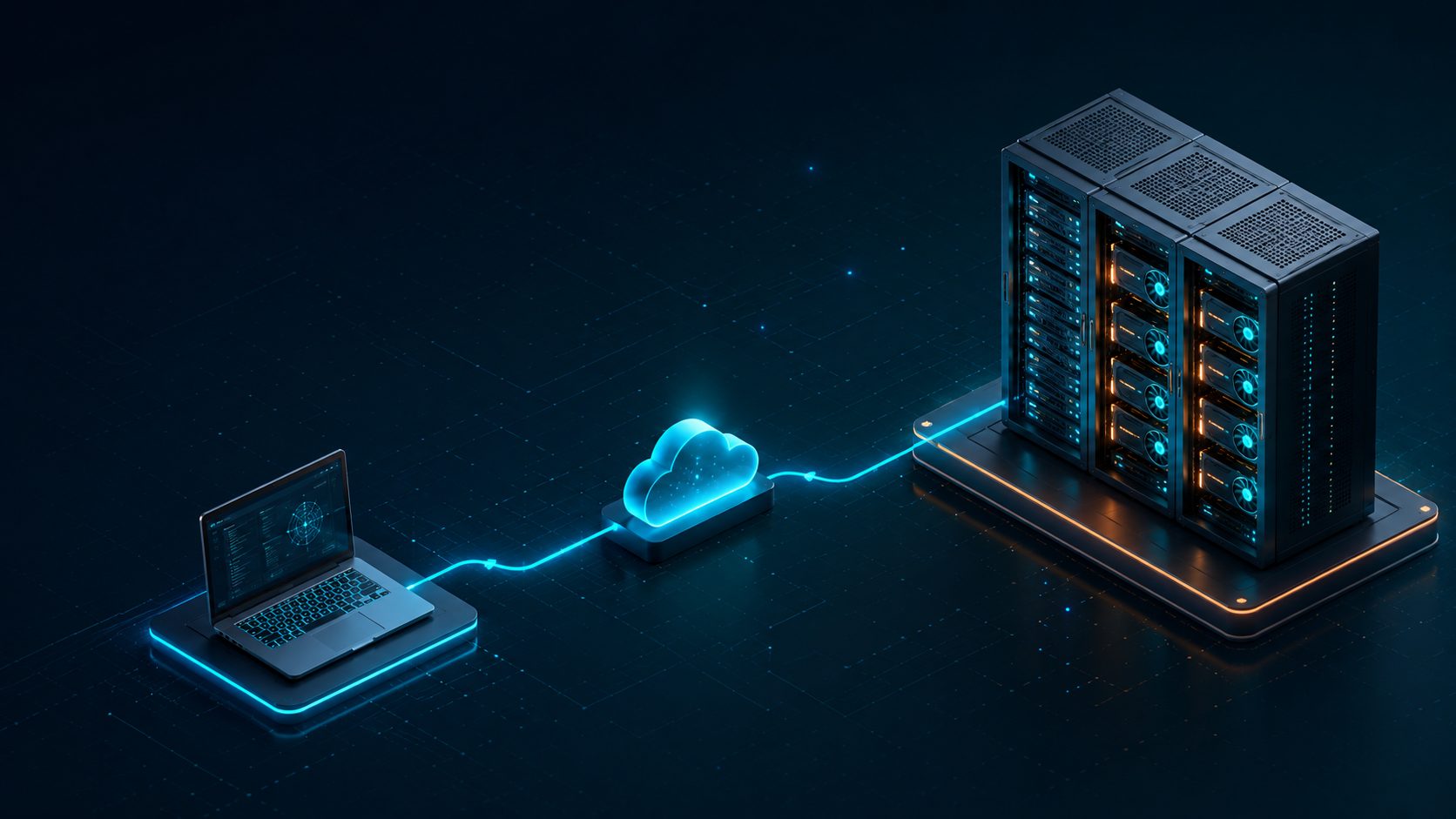
Three pieces make a cloud GPU usable: provisioning, billing, and access.
Provisioning an instance
You choose a GPU type and launch an instance — a virtual server with that GPU attached. Providers offer pre-built environments (templates) with drivers, CUDA, and frameworks like PyTorch already installed, so you can be running code in minutes rather than configuring a machine for hours. When you’re done, you stop or terminate the instance and the GPU returns to the pool.
Billing models
You’re billed for the time the instance runs, typically in one of three ways:
- On-demand — pay per second/hour, full price, no commitment. Best for development and short jobs.
- Spot / interruptible — 50–80% cheaper, but the provider can reclaim the instance with little warning. Ideal for fault-tolerant training that checkpoints.
- Reserved / committed — lowest rate in exchange for a longer commitment, best for steady production workloads.
Accessing the GPU
Once running, you connect to the instance in whatever way fits your workflow:
- SSH into the machine like any remote server.
- Jupyter notebook in the browser for interactive experimentation.
- Container / template (Docker, vLLM, etc.) for reproducible, one-click deployments.
For a step-by-step walkthrough, see our guide on how to rent a GPU in the cloud.
Cloud GPU vs buying a GPU
The core trade-off is upfront capital versus ongoing rental. Here’s how the two compare:
| Factor | Cloud GPU (rent) | Owning a GPU |
|---|---|---|
| Upfront cost | None | High ($1,500 consumer → $30,000+ data-center) |
| Flexibility | Scale up/down instantly | Fixed to what you bought |
| Maintenance | Handled by provider | Power, cooling, drivers on you |
| Latest hardware | Always available | Obsolete in a few years |
| Best for | Spiky, variable, short-term | Constant, predictable, long-term |
When renting wins: the break-even math

The decision usually comes down to utilization. A data-center-class GPU setup costs roughly $30,000 to own. Renting an equivalent H100 runs around $2.50/hr. Here’s what your annual rental cost looks like at different usage levels:
| Usage | Hours/year | Annual rent (~$2.50/hr) | vs. ~$30k to own |
|---|---|---|---|
| 10 hrs/week | ~520 | ~$1,300 | Renting far cheaper |
| 40 hrs/week | ~2,080 | ~$5,200 | Renting cheaper for ~6 years |
| 24/7 | ~8,760 | ~$21,900 | Break-even at ~16 months |
The takeaway: unless you run a GPU close to around the clock for well over a year, renting is cheaper — and that’s before counting power, cooling, and the fact that the card you buy today will be a generation behind within a couple of years. For a full pricing breakdown, see how much it costs to rent a GPU.
When should you use a cloud GPU?
Renting makes the most sense when:
- You have spiky or occasional workloads, not constant ones.
- You want to avoid a large upfront purchase.
- You need the latest hardware (B200, H200) without buying it.
- You need to scale to many GPUs for a short burst, then scale back down.
- You’re experimenting and don’t yet know what hardware you’ll settle on.
What can you run on a cloud GPU?
Cloud GPUs power essentially any GPU-accelerated workload:
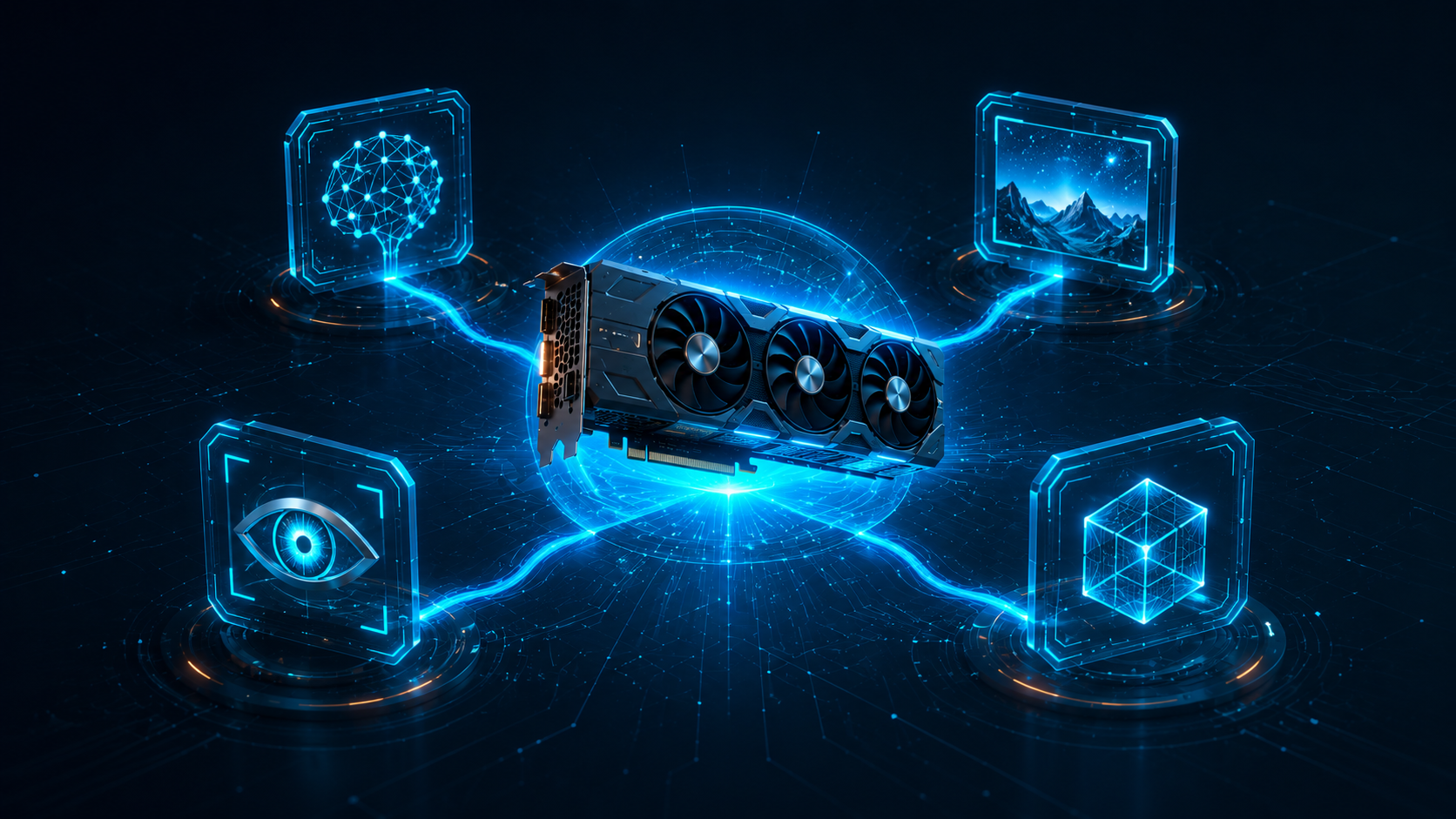
- LLM training and inference — from fine-tuning a 7B model to serving a 70B one.
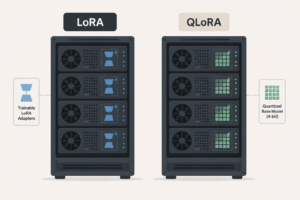
- Fine-tuning with LoRA/QLoRA on a single rented card.
- Image and video generation — Stable Diffusion, diffusion video models.
- Computer vision — training detection and segmentation models.
- Rendering and HPC — 3D rendering, simulations, scientific computing.
If a task needs a GPU, you can almost certainly rent the right one for it. To match a specific model to the right card, see our VRAM guide and cloud GPU models guide.
How much does a cloud GPU cost?
Rates range from about $0.20/hr for a consumer RTX 4090 to $1.50–$3.60/hr for an H100 on specialized AI clouds (more on hyperscalers). Spot pricing cuts those 50–80%. The full breakdown by GPU and provider is in our cost-to-rent guide.
The bottom line
A cloud GPU gives you on-demand access to powerful AI hardware without the capital cost, maintenance, or obsolescence of owning one. For the spiky, fast-evolving workloads typical of AI, renting wins for almost everyone except those running a GPU near-continuously for years. Start by matching the GPU to your workload, then pick a billing model — and you’ll have data-center compute running in minutes.
FAQs
What’s the difference between a cloud GPU and a regular GPU?
The hardware can be identical — both are physical GPUs. The difference is access: a regular GPU sits in your own machine, while a cloud GPU lives in a remote data center and is rented over the internet, billed by the hour or second.
Is a cloud GPU cheaper than buying?
For most workloads, yes. Buying only pays off if you run a GPU near-continuously for well over a year. For spiky or occasional use — typical of AI work — renting avoids the upfront cost, maintenance, and obsolescence, making it cheaper overall.
Can I run AI models on a cloud GPU?
Yes. Cloud GPUs are the standard way to train and serve AI models, from fine-tuning small LLMs to serving large ones, plus image generation, computer vision, and rendering. You rent the GPU that fits your model’s memory needs.
Do I need to know Linux to use a cloud GPU?
Basic familiarity helps, since most instances run Linux and are accessed via SSH. But many providers offer browser-based Jupyter notebooks and one-click container templates that let you start working with minimal command-line knowledge.