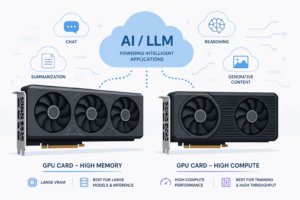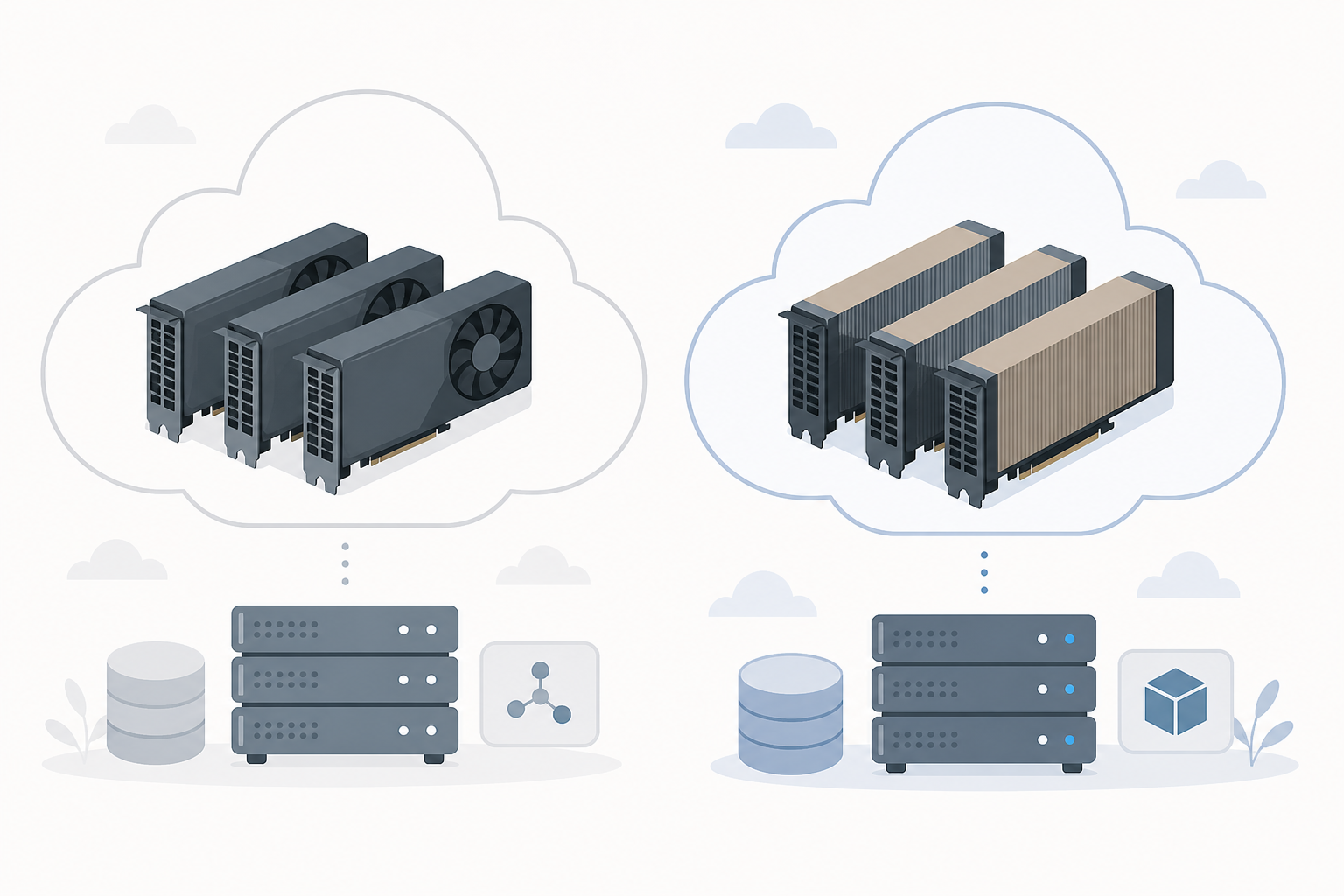

For modern AI workloads: The B200 is the highest‑capacity, highest‑throughput GPU with FP4 support—but demands liquid cooling and costs more. The H100 is cheaper, air‑coolable, and easier to source when 80 GB VRAM is enough. This guide walks through when each makes sense.
This post may contain affiliate/partner links. If you buy or sign up through them, we may earn a commission at no extra cost to you.
What are the B200 and H100 GPUs?
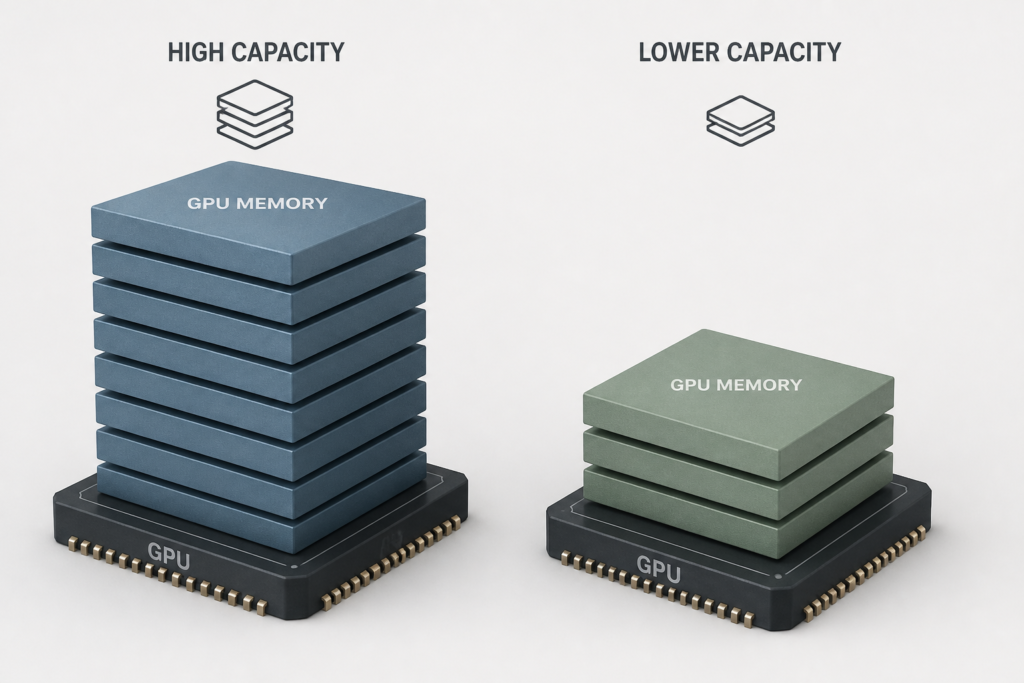
The B200 is a newer NVIDIA Blackwell‑architecture GPU with up to 192 GB HBM3e memory, ~8 TB/s bandwidth, and native FP4 support. The H100 is an older Hopper‑architecture GPU with 80 GB HBM3 memory and ~3.35 TB/s bandwidth. The H100 remains widely available and cost‑effective for workloads that fit its memory constraints.
How do their specs compare?
| Specification | H100 (Hopper) | B200 (Blackwell) |
|---|---|---|
| Architecture | Hopper (4th Gen) | Blackwell (5th Gen) |
| VRAM | 80 GB HBM3 | ~192 GB HBM3e |
| Memory bandwidth | ~3.35 TB/s | ~8 TB/s |
| Precision support | FP8, FP16/BF16 | FP4, FP8, FP16/BF16 |
| NVLink bandwidth | ~900 GB/s | ~1.8 TB/s |
| TDP / Cooling | ~700 W, air‑ or liquid‑cooled | ~1000 W, liquid‑cooled only |
Source: multi‑site verified comparison of architectural and spec data ([gpu.fm](https://www.gpu.fm/blog/b200-vs-h100-complete-comparison-2026)).
When should you choose H100 vs B200?
Choose H100 when:
- You work on models that fit within 80 GB VRAM (e.g. ≤70B parameters or sharded multi‑GPU deployments).
- You need a lower hourly cost and broader cloud availability.
- Your infrastructure supports air cooling or you’re expanding existing H100 clusters.
Choose B200 when:
- You train or serve very large models (e.g. 70B+ parameters) that need >80 GB VRAM.
- You need maximum throughput via higher memory bandwidth of ~8 TB/s and native FP4 support.
- You have liquid cooling and can handle ~1000 W power draw.
- You want the most compute‑dense future‑proof option for AI workloads.
What about cost and cloud availability?
Cloud on‑demand rental pricing varies. H100 can cost as low as ~$0.67/hr versus ~$0.74/hr for B200 for some providers ([gpufinder.dev](https://gpufinder.dev/gpu/b200-vs-h100)). Other aggregated sources show H100 typically ranges $2–3/hr while B200 is $5–6/hr on demand ([gpuaas.com](https://gpuaas.com/blog/h100-vs-h200-vs-b200-which-gpu-to-rent-2026)). Normalize cost by VRAM to compare:
- H100: ~0.028 $/GB‑hour
- B200: ~0.031 $/GB‑hour
Therefore, when memory constraints are not binding, H100 offers lower cost per GB; but B200 delivers far greater throughput, reducing cost per result in high‑density inference or large‑model training ([gpucompare.cloud](https://gpucompare.cloud/compare/nvidia-b200-vs-nvidia-h100/)).
What about infrastructure and operational trade‑offs?
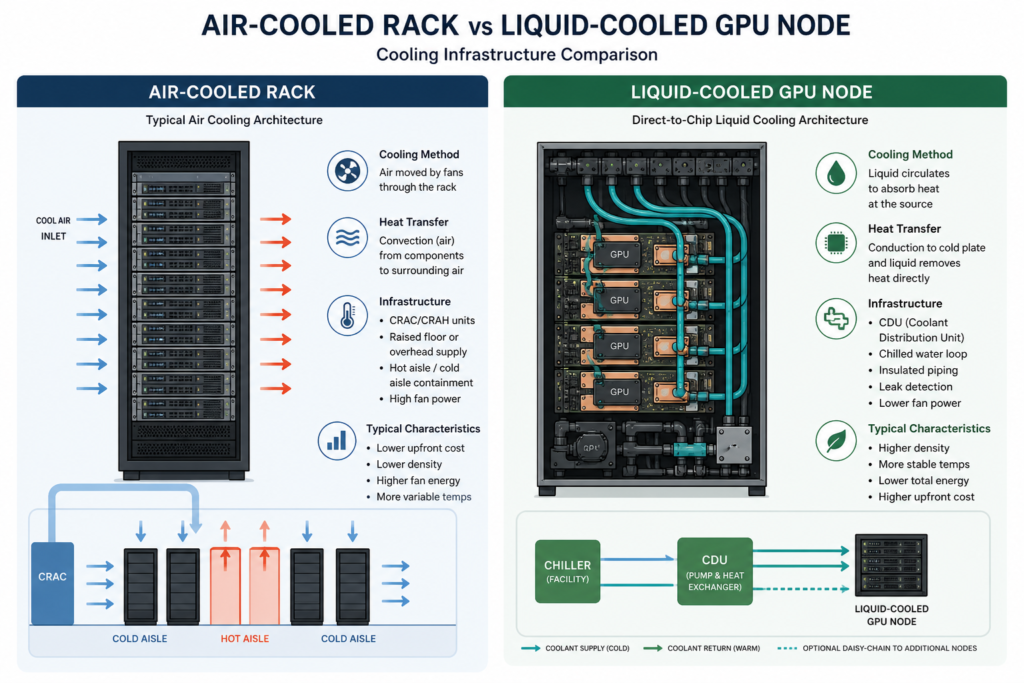
H100 is easier to integrate—it works in existing air‑cooled racks and draws ~700 W. B200 requires liquid cooling and ~1000 W per GPU, adding infrastructure cost. However, B200’s higher throughput and bandwidth often lowers total job runtime, offsetting higher power and procurement in energy‑sensitive workloads ([gpuaas.com](https://gpuaas.com/blog/h100-vs-h200-vs-b200-which-gpu-to-rent-2026)).
How do they perform for real workloads?
Industry benchmarks show B200 can deliver up to 2.5× training throughput and ~4× FP4 inference throughput over H100, making it more efficient for large-scale deployments—even at higher sticker cost ([gpu.fm](https://www.gpu.fm/blog/b200-vs-h100-complete-comparison-2026)).
Quick decision guide
- Does your model fit within 80 GB VRAM? Yes → consider H100; No → B200.
- Is hourly cost or power budget the primary constraint? If yes, H100 wins.
- Do you need maximum throughput and have liquid cooling? Then B200 pays off.
- Need shortest deployment time or existing H100 infrastructure? H100 has broader availability.
Frequently Asked Questions
- Can I run the same code on both? Yes—CUDA frameworks like PyTorch and TensorFlow support both. Watch for memory limits and precision behavior (FP4 vs FP8).
- What if my VRAM need is ~140 GB? The H200 (not covered here) offers 141 GB HBM3e and same Hopper chip—may offer better cost‑capacity balance if available.
- Does B200 always reduce total cost? Not if your workload is small enough to fit on H100. For large models or dense inference loads, B200’s throughput often lowers cost per output.
- How critical is cooling? Very for B200—liquid cooling is mandatory. H100 can run in standard air‑cool environments.
- How’s availability? H100 is carried by more providers and has steadier supply historically; B200 is newer and less available but growing fast.
Last updated: September 13, 2026