
The NVIDIA H100 is roughly 3–5x faster than the A100 for transformer workloads but costs about 2x per hour to rent. Choose the H100 for large-model training and high-throughput inference; the A100 (80GB) is still the better value for budget training, fine-tuning, and models up to about 30B parameters. The right pick depends less on raw power and more on whether your workload can actually use the H100’s extra speed.
This guide compares the two GPUs on specs, real-world performance, and rental price — and adds something most comparisons skip: price per unit of throughput, which is what actually determines value.
H100 vs A100 at a glance
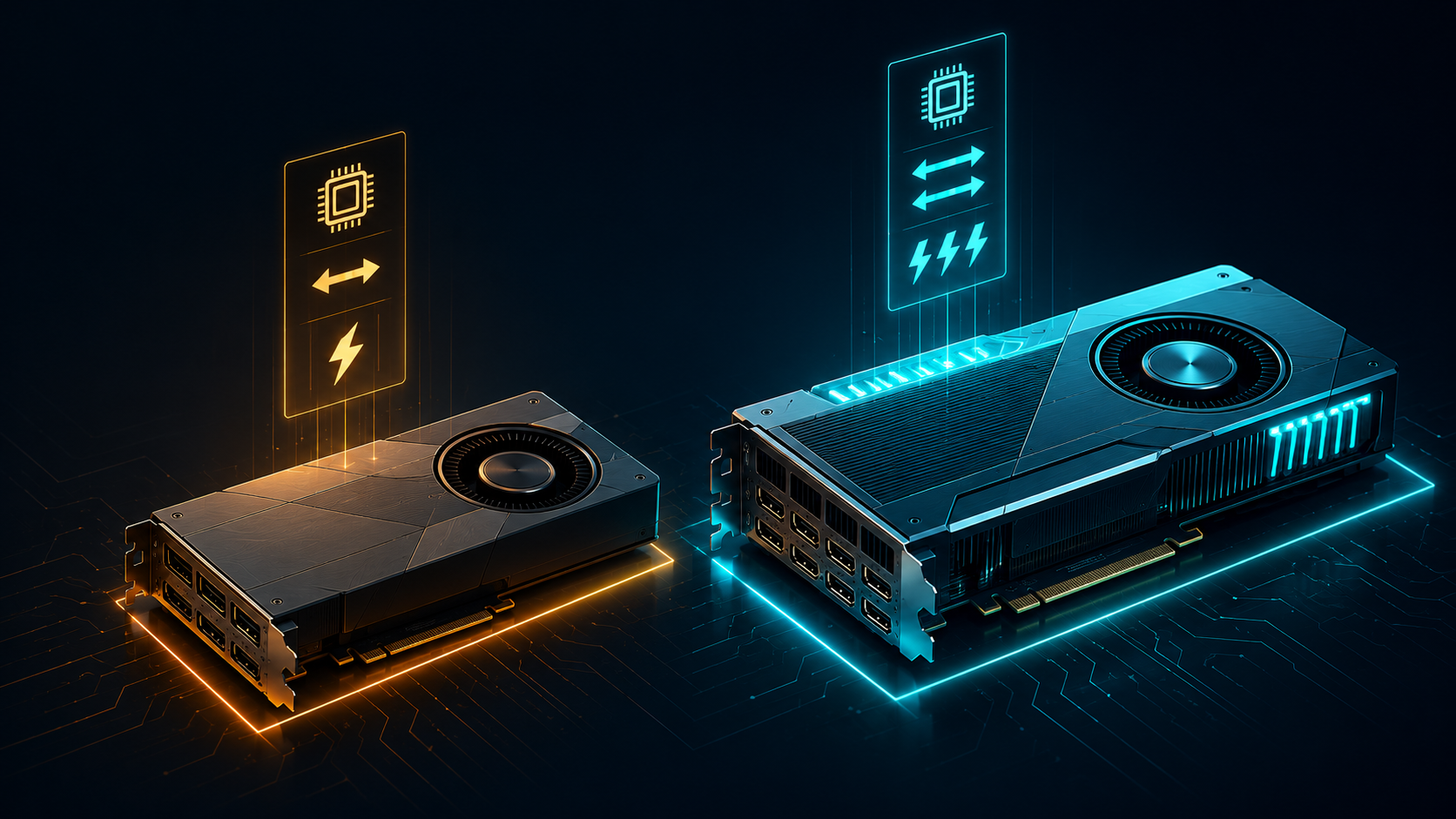
Here’s the side-by-side. Both ship in PCIe and SXM variants and in 40GB or 80GB memory configurations (A100), so treat these as representative figures.
| Spec | NVIDIA A100 (80GB) | NVIDIA H100 (80GB) |
|---|---|---|
| Architecture | Ampere (2020) | Hopper (2022) |
| VRAM | 40GB or 80GB HBM2e | 80GB HBM3 |
| Memory bandwidth | ~2,039 GB/s (SXM) | ~3,350 GB/s |
| FP8 support | No | Yes (Transformer Engine) |
| NVLink | Yes (600 GB/s) | Yes (900 GB/s) |
| Transformer throughput | Baseline | ~3–5x A100 |
| Typical rental (on-demand) | from ~$0.90/hr | from ~$1.50–$3.60/hr |
| Best for | Budget training, fine-tuning, ≤30B models | Large-model training, FP8 inference, high throughput |
⚠️ Pricing is volatile. H100 cloud rates have fallen sharply as Blackwell (B200) ships — verify live rates before committing.
The headline numbers tell the story: the H100 isn’t a small upgrade. The jump from HBM2e to HBM3 raises memory bandwidth by roughly 65%, and the Hopper Transformer Engine adds FP8 — a precision format the A100 simply doesn’t have. For attention-heavy transformer models, those two changes are where most of the speedup comes from.
Performance difference: where the H100 actually wins
The H100 delivers around 3–5x the transformer throughput of the A100, but that figure only materializes on the right workloads. The gap is largest where the A100 has no equivalent capability and smallest where your job is bottlenecked by something other than compute.
Training large models. On 70B+ parameter LLMs, the H100’s higher bandwidth and FP8 path cut training time dramatically. This is the clearest win — large training runs hold a GPU for hours or days, so a 3–5x speedup compounds into real savings even at 2x the hourly rate.
FP8 inference. The H100 can run inference in FP8, roughly doubling effective throughput versus the A100’s FP16 path with minimal quality loss on many models. The A100 cannot do this at all. If you’re serving a model at scale, this alone can justify the H100.
Small models and memory-bound jobs. Here the gap narrows. If you’re running a 7B model, fine-tuning with LoRA, or doing data preprocessing, the workload often can’t saturate the H100 — you pay 2x and see far less than 2x the speed. This is the most common way teams overspend.
Price and value: the metric that actually matters
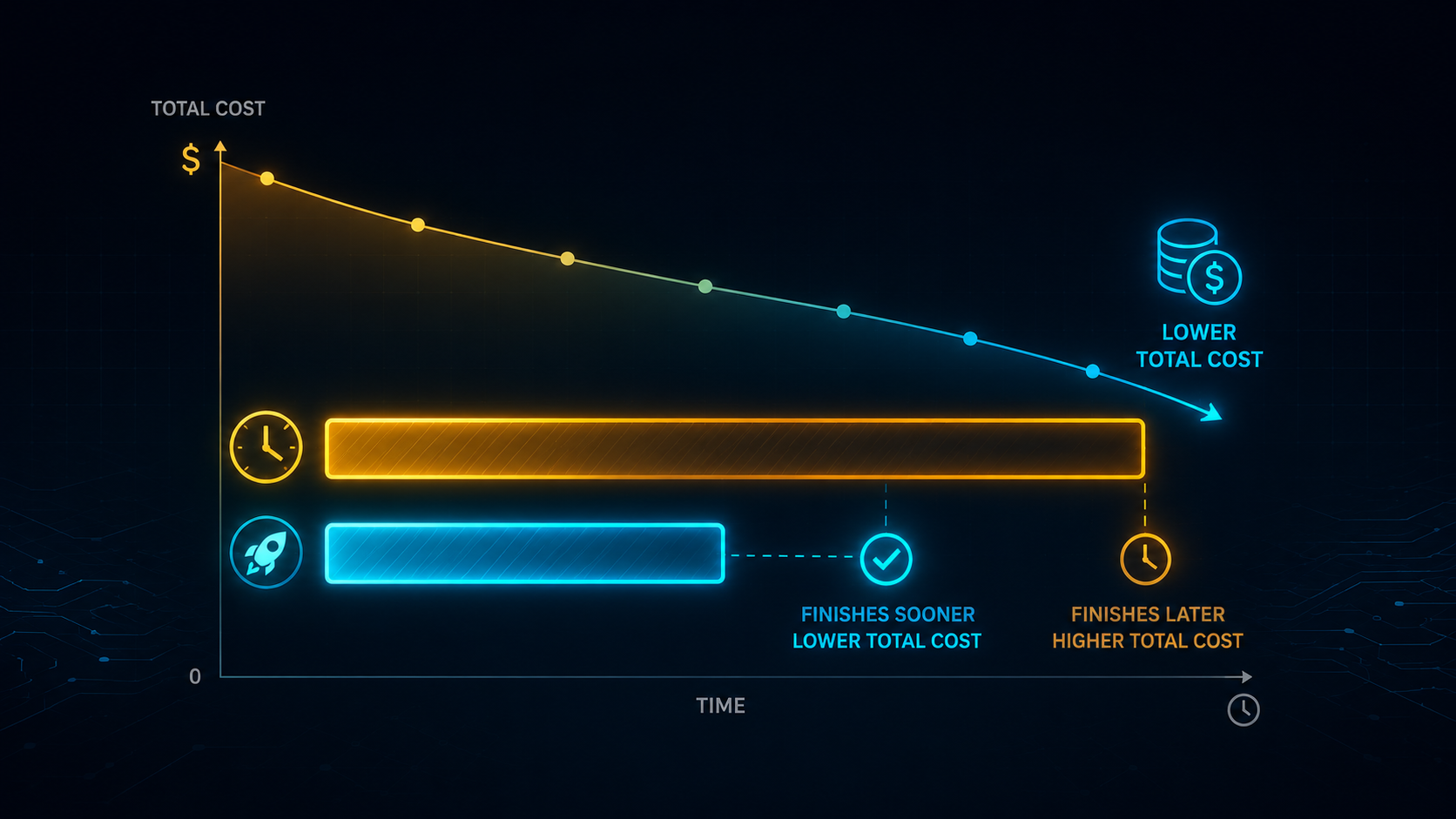
On paper the H100 costs about twice as much per hour. But hourly price is the wrong lens. What matters is cost per unit of work — and on workloads that use the H100 fully, the faster card is often cheaper overall.
A simplified example for a training job:
| A100 (80GB) | H100 (80GB) | |
|---|---|---|
| Rental rate | $1.20/hr | $2.50/hr |
| Time to finish job | 20 hrs | 5 hrs (4x faster) |
| Total cost | $24.00 | $12.50 |
In this case the “more expensive” H100 finishes the job for roughly half the total cost, because the speedup outpaces the price premium. Flip the scenario to a small inference job that runs at the same speed on both cards, and the A100 wins on total cost every time.
The rule: compare price-per-throughput, not price-per-hour. If your workload gets the full H100 speedup, the H100 usually wins on total cost. If it doesn’t, the A100 wins.
When to choose the A100

The A100 is far from obsolete in 2026 — it’s the value pick for a large share of real workloads:
- Budget training of models up to ~30B parameters at FP16.
- Fine-tuning, especially LoRA/QLoRA, where VRAM and cost matter more than peak speed.
- Inference on smaller models that can’t saturate an H100.
- Cost-sensitive experimentation and academic work — A100 rates have dropped steeply as the market moved to Hopper and Blackwell.
If your model fits in 80GB and your job won’t fully use the H100’s extra throughput, the A100 80GB is usually the smarter rental.
When to choose the H100
Pick the H100 when the workload can actually cash in the speedup:
- Training 70B+ parameter models, where the time savings compound.
- FP8 inference at scale, which the A100 can’t do.
- High-throughput serving where latency and tokens-per-second drive cost.
- Anything memory-bandwidth bound that benefits from HBM3.
A good test: if you can’t keep the H100 busy, you probably don’t need it yet.
A note on VRAM
Both cards come in 80GB, so raw model-fitting capacity is similar at the top end. A 70B model needs roughly 140GB in FP16 — more than either single card — so you’ll either quantize (4-bit brings a 70B down to ~35–40GB) or go multi-GPU. For a deeper breakdown, see our guide on how much VRAM you need to run an LLM. If you frequently hit the 80GB ceiling, also look at the H200 (141GB) and B200 (192GB).
Where to rent each GPU
Both are widely available across marketplaces (Vast.ai), specialized AI clouds (RunPod, Lambda Labs), and hyperscalers (AWS, GCP, Azure) — with hyperscalers charging several times more for the same silicon. For full specs and current rental options, see our H100 guide and A100 guide, or compare every option on our best cloud GPU providers page.
If you’re choosing a provider primarily on cost, our cheapest cloud GPU providers breakdown shows where each card hits its floor price.
The bottom line
The H100 is the better GPU; the A100 is often the better value. Match the card to the workload: H100 for large training and FP8 inference where the 3–5x speedup pays for itself, A100 for budget training, fine-tuning, and smaller models. Always compare total cost-to-complete, not the hourly sticker price — that single shift in thinking will save you more than picking the “faster” card ever will.
FAQs
Is the H100 worth the extra cost over the A100? Yes, if your workload fully uses its speed. On large training runs and FP8 inference, the H100 finishes jobs 3–5x faster, often making it cheaper in total cost despite the ~2x hourly rate. For small models that can’t saturate it, the A100 is the better value.
Can the A100 train a 70B model? Not in full FP16 on a single 80GB card — a 70B model needs ~140GB at FP16. You can train or fine-tune one on A100s using quantization (e.g. QLoRA) or multiple GPUs. For full-scale 70B training, the H100 is the more practical choice.
What’s the price difference between the H100 and A100? The H100 typically rents for about 2x the A100’s hourly rate — roughly $1.50–$3.60/hr versus from ~$0.90/hr on neo-clouds, though hyperscalers charge far more. Spot pricing cuts both substantially. Verify current rates, as H100 prices are falling as B200 supply grows.
Is the A100 obsolete in 2026? No. As Hopper and Blackwell took the high end, A100 rental prices dropped, making it one of the best value GPUs for budget training, fine-tuning, and inference on models up to ~30B parameters.