
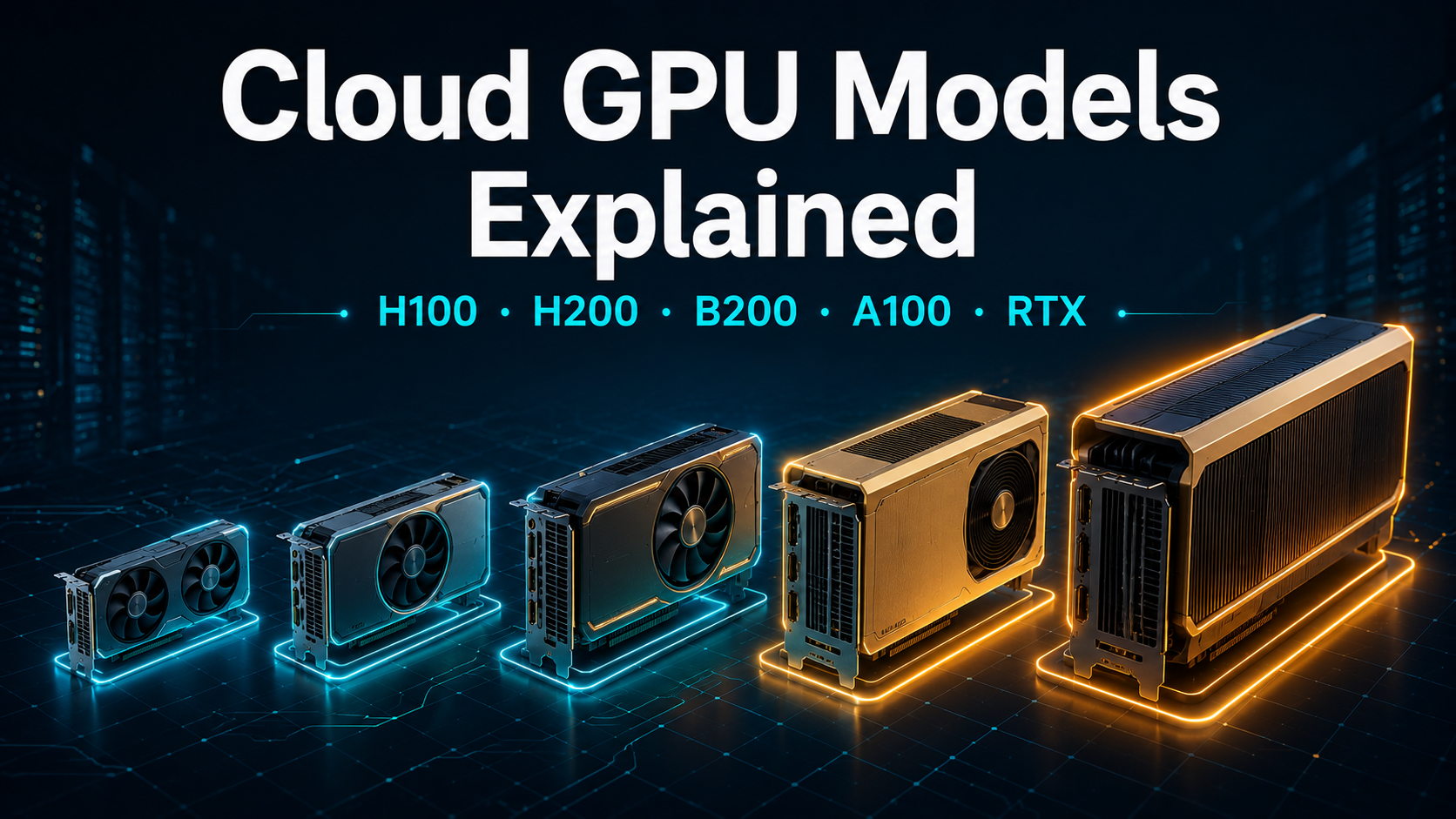
The main cloud GPUs for AI in 2026 are the NVIDIA H100 (80GB, the training workhorse), H200 (141GB, memory-bound inference), B200 (192GB Blackwell, the latest), A100 (40/80GB, budget training), and RTX 4090 (24GB, cheap small-model inference). When choosing one, two specs matter most: how much VRAM it has (whether your model fits) and its memory bandwidth (how fast it runs).
This guide explains each GPU, the specs that actually decide performance, how the generations differ, and which card to pick for a given model size.
Cloud GPU comparison table
Here’s the lineup at a glance. Prices are typical starting rates on specialized AI clouds and marketplaces; hyperscalers charge more.
| GPU | Architecture | VRAM | Bandwidth | Best for | From $/hr |
|---|---|---|---|---|---|
| RTX 4090 | Ada (consumer) | 24GB | ~1.0 TB/s | Small-model inference, experimentation | ~$0.20 |
| A100 80GB | Ampere | 80GB | ~2.0 TB/s | Budget training, fine-tuning | ~$0.90 |
| H100 | Hopper | 80GB | ~3.35 TB/s | Training workhorse, FP8 inference | ~$1.50 |
| H200 | Hopper | 141GB | ~4.8 TB/s | Memory-bound inference, large context | ~$1.45 |
| B200 | Blackwell | 192GB | ~8.0 TB/s | High-end training & large-model inference | ~$2.25 |
⚠️ Specs vary by PCIe vs SXM variant; figures are representative. Verify against NVIDIA datasheets and check live rental rates before committing.
The pattern across the table is the story of modern AI hardware: each generation adds memory and bandwidth. From the A100 to the B200, VRAM grew from 80GB to 192GB and bandwidth roughly quadrupled — which is exactly what bigger models and longer contexts demand.
What spec actually matters?
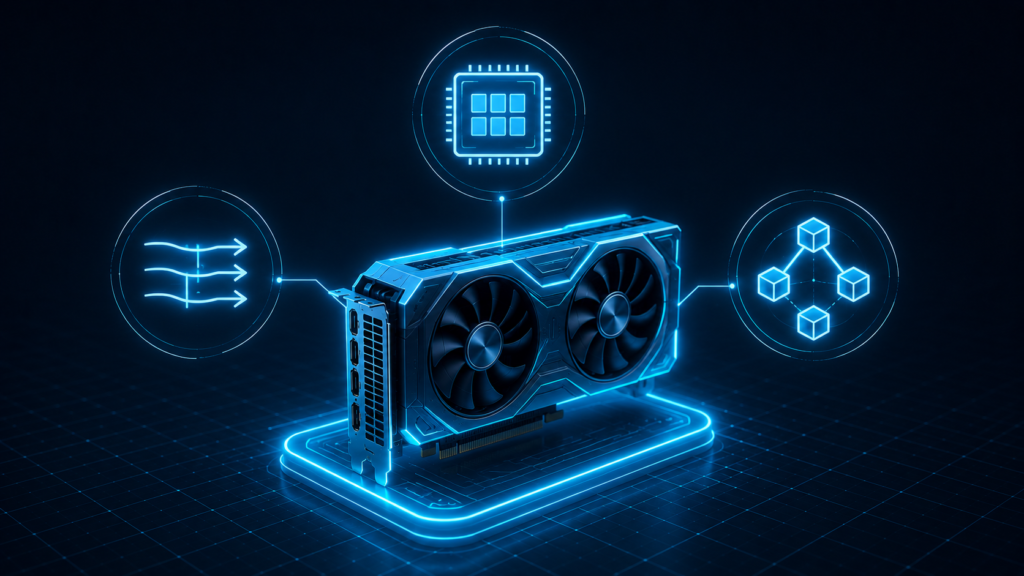
GPUs have dozens of specs, but for AI workloads three decide almost everything.
VRAM (memory capacity)
VRAM determines whether a model fits at all — and it’s the hard limit you hit first. A model’s weights must load into GPU memory before anything runs. A 70B model needs about 140GB at FP16, so it won’t fit on a single 80GB card unless you quantize it. VRAM is the spec to check first, every time. Our VRAM guide gives the exact memory each model size needs.
Memory bandwidth
Bandwidth determines how fast the GPU runs, especially for inference. LLM inference is largely memory-bound — the GPU spends most of its time moving weights in and out of memory, not doing math. That’s why the H200, with the same compute as the H100 but far more bandwidth, is faster for inference. When two GPUs fit your model, the higher-bandwidth one usually serves it faster.
Interconnect (NVLink)
Interconnect matters when one GPU isn’t enough. To split a model across multiple GPUs, they must communicate quickly — NVLink provides high-speed GPU-to-GPU links (900 GB/s on the H100). Without fast interconnect, multi-GPU setups bottleneck on communication. Consumer cards like the RTX 4090 lack NVLink, which is one reason they’re poor choices for large multi-GPU training.
A useful mental model: VRAM decides if it fits, bandwidth decides how fast, interconnect decides how well it scales.
GPU generations explained
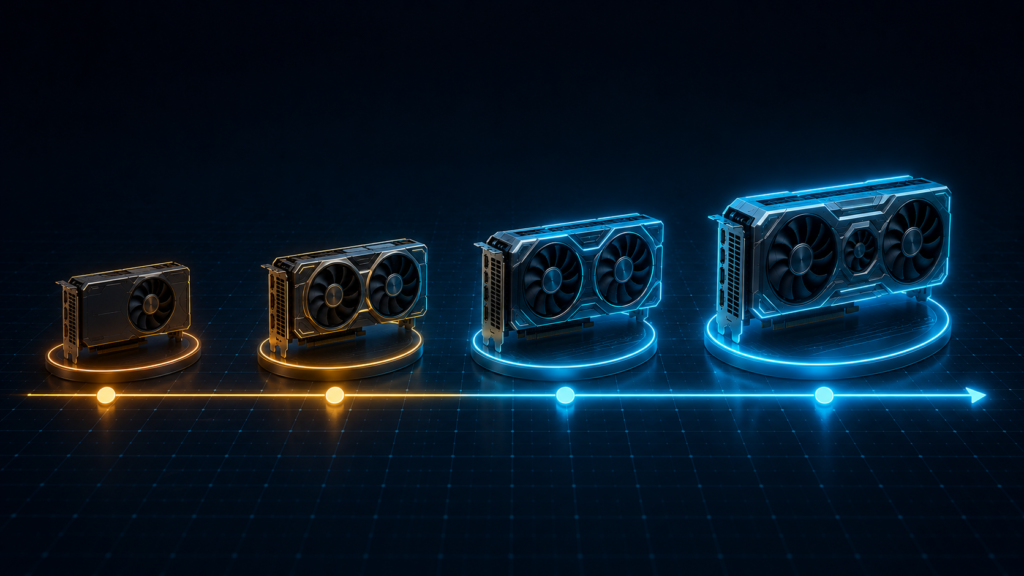
NVIDIA’s data-center GPUs come in successive architectures. Knowing the generation tells you roughly where a card sits.
Hopper (H100, H200)
Hopper, launched in 2022, introduced the Transformer Engine and FP8 precision — a format that roughly doubles inference throughput versus FP16 with little quality loss. The H100 is the generation’s workhorse for training. The H200 is the same architecture with a major memory upgrade (141GB HBM3e and far higher bandwidth), making it excellent for memory-bound inference and long-context serving.
Blackwell (B200, B300)
Blackwell is the current top tier. The B200 brings 192GB of memory, roughly 8 TB/s of bandwidth, and support for even lower precision (FP4), pushing both training and large-model inference forward. The B300 (Blackwell Ultra) extends memory further still. These are the cards to reach for on the largest, most demanding workloads — at the highest rental prices.
Ampere (A100)
The 2020-era A100 is two generations old but far from irrelevant. As newer cards took the high end, A100 rental prices fell, making it one of the best value GPUs for budget training, fine-tuning, and inference on models up to about 30B parameters. It lacks FP8, so it trails Hopper on transformer throughput, but for cost-sensitive work it remains a smart pick.
Consumer (RTX 4090, RTX 5090)
Consumer cards offer the cheapest path to GPU compute. The RTX 4090 (24GB) handles 7B models and small-scale inference well, and the newer RTX 5090 (32GB) raises that ceiling. They lack NVLink and data-center features, so they don’t scale to large multi-GPU training — but for experimentation and small-model inference, they’re hard to beat on price.
Which GPU for which model size
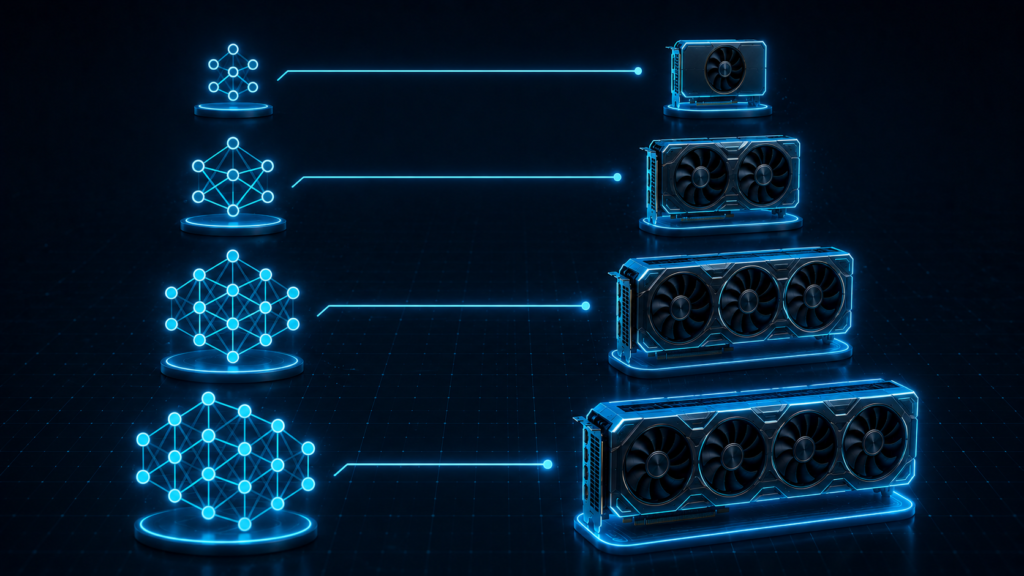
Matching the GPU to your model is the practical decision. This table maps common model sizes to a recommended card, at full precision and quantized.
| Model size | FP16 (full) | Quantized (INT4) | Recommended starting point |
|---|---|---|---|
| 7B | RTX 4090 | RTX 4090 | RTX 4090 |
| 13B | A100 | RTX 4090 | A100 or RTX 4090 |
| 34B | A100 / H100 80GB | A100 | A100 / H100 |
| 70B | Multi-GPU or H200 | A100 / H100 80GB | H200, or quantized on an 80GB card |
| 405B | Multi-GPU cluster | B200 multi-GPU | B200 cluster |
Two takeaways. First, quantization often drops a model to a smaller, cheaper card — a 70B model that needs multi-GPU at FP16 fits on a single 80GB card in 4-bit. Second, don’t overprovision: many workloads teams default to running on H100s fit comfortably on a quantized A100. See the VRAM guide for exact numbers and how to rent a GPU to get started.
How to choose: a quick decision path
- Find your model’s VRAM need — start with the VRAM guide.
- Decide training vs inference — training favors the H100/B200; memory-bound inference favors the H200.
- Consider quantization — it can drop you to a cheaper card with minimal quality loss.
- Pick the smallest card that fits — then choose a provider and billing model.
For head-to-head specifics, see H100 vs A100, and for pricing across all cards, the cost-to-rent guide.
The bottom line
Cloud GPU choice comes down to VRAM and bandwidth: the H100 and B200 lead on training, the H200 excels at memory-bound inference, the A100 is the value pick, and the RTX 4090 is the cheapest entry point. Match the card to your model size — using quantization to drop to a smaller, cheaper GPU wherever quality allows — and you’ll avoid the most common and expensive mistake in cloud GPU work: paying for far more hardware than your workload needs.
FAQs
What’s the difference between the H100 and B200?
The B200 is a newer generation (Blackwell vs Hopper) with much more memory (192GB vs 80GB), roughly 2x+ the bandwidth, and support for lower FP4 precision. The H100 remains an excellent, more affordable training workhorse; the B200 is for the largest, most demanding workloads.
How much VRAM do I need?
It depends on model size and precision — roughly 2GB per 1B parameters at FP16 for inference, so a 7B model needs ~14GB and a 70B model ~140GB. Quantization cuts this 2–4x. See our VRAM guide for an exact lookup table.
Are consumer GPUs like the RTX 4090 good for AI?
Yes, for small models and experimentation. The RTX 4090 (24GB) runs 7B models well and offers the cheapest GPU compute. Its limits are memory and the lack of NVLink, so it doesn’t suit large models or multi-GPU training.
Is the A100 still worth renting in 2026?
Yes. As Hopper and Blackwell took the high end, A100 prices dropped, making it one of the best value GPUs for budget training, fine-tuning, and inference on models up to ~30B parameters.